



Leaderboard
-
61066
Bannati71Punti33867Numero messaggi -

alessandrosecchi
Admin48Punti19968Numero messaggi -
R18
Staff27Punti42164Numero messaggi -
mur354n80
Bannati18Punti12339Numero messaggi



Popular Content
Showing content with the highest reputation on 08/10/15 in all areas
-
2 pointsÈ brutta anche questa... Prima mi sono ritrovato un "fangio66 è piaciuto una risposta...". Mi sono chiesto chi fosse 'sto fangio66 finché non ho letto "Maylander's" di fianco2 points
-
2 pointsQuesto purtroppo non è un problema di traduzione ma di programmazione.. credo lo sistemeranno con i prossimi aggiornamenti2 points
-
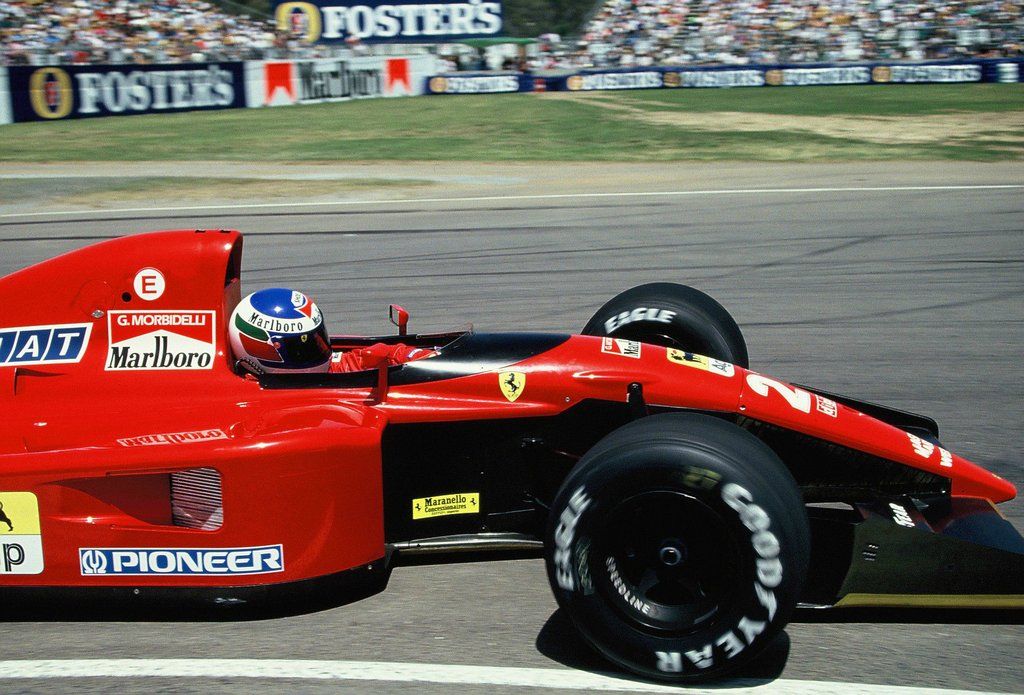
GP San Marino, il giro di schieramento2 points
-
1 point
-
1 pointCercherò anche di far comparire il blocco YouTube solo in home page in modo da non appesantire i mobile1 point
-
1 pointHo inserito il boxone in piccolo anche in fondo alle pagine dei post in modo da non dover tornare alla home tutte le volte1 point
-
1 pointCi vuole solo tempo. Dovranno rilasciare un aggiornamento dell'app. Prima o poi arriverà1 point
-
1 pointNella variabile che definisce "l'elenco degli utenti" non hanno messo niente come separatore, quindi le voci restano attaccate. Pensavo fosse legato alla traduzione invece ci sono rimasto male pure io1 point
-
1 pointAppena installata la barra in alto aveva qualche problema grafico che poi abbiamo risolto, quindi adesso dovresti vederla ok dopo qualche caricamento. Annuncio anche che per le versioni mobile/tablet ho aggiunto il tasto per condividere discussioni e singoli post su WHATSAPP1 point
-
1 point
-
1 point
-
1 point
-
1 point
-
1 point


This leaderboard is set to Roma/GMT+02:00