Chapman82
Piloti amatoriali
-
Registrato
-
Ultima Visita
Contenuti inviati da Chapman82
-
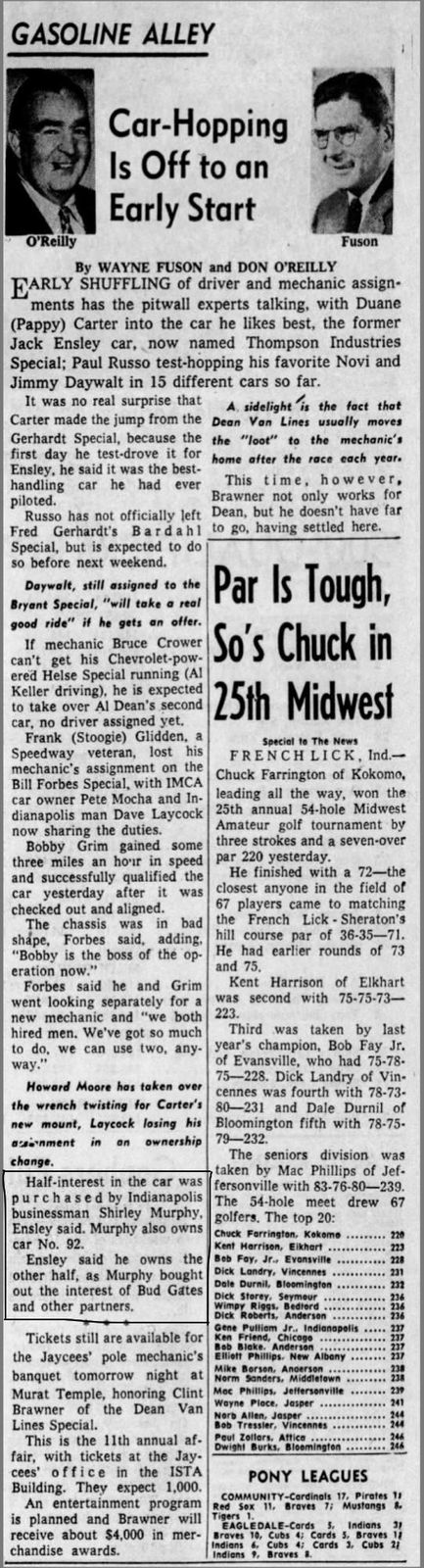
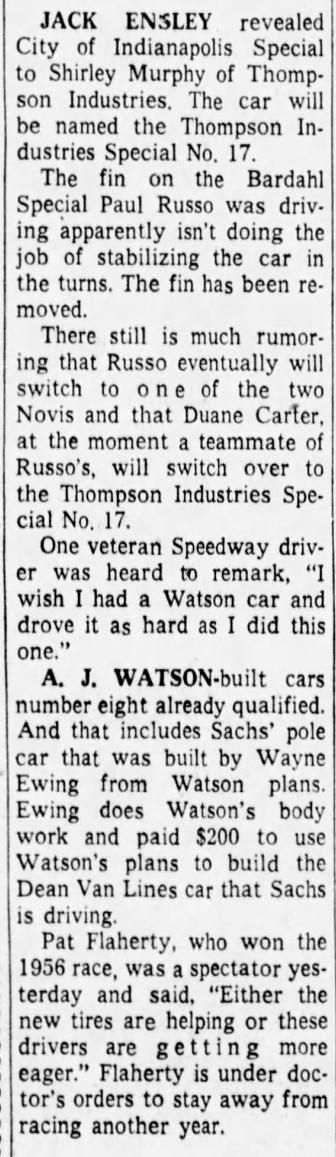
Sì , Thompson Industries Special - #92 - Kurtis Kraft 500D
-
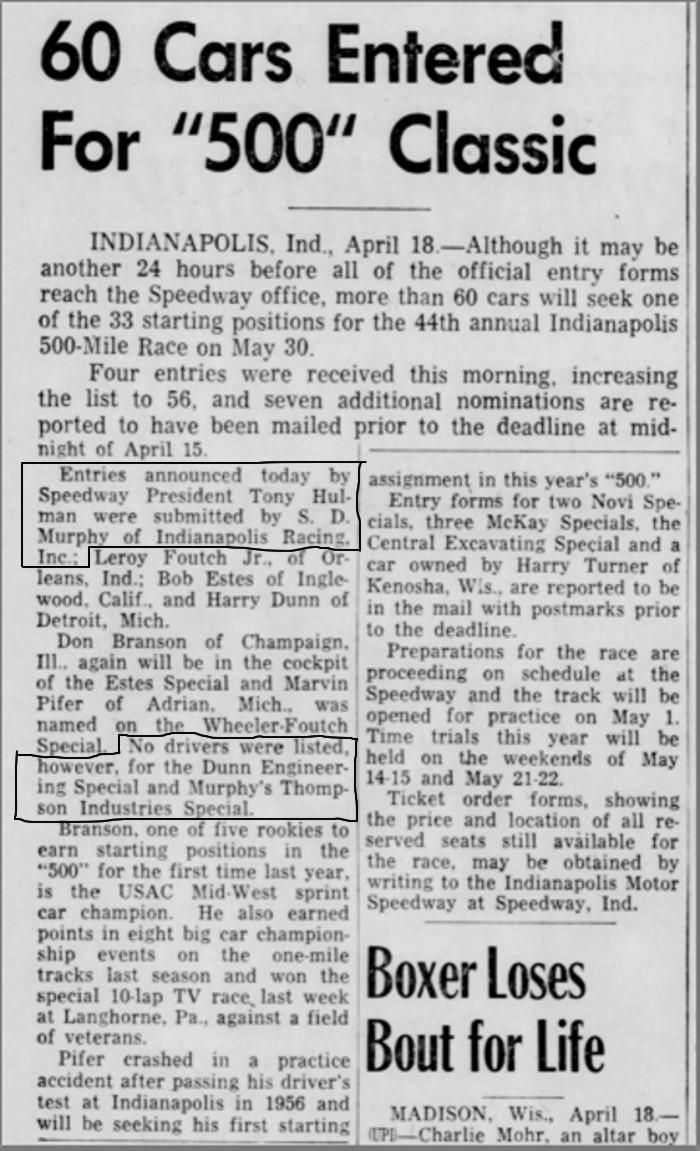
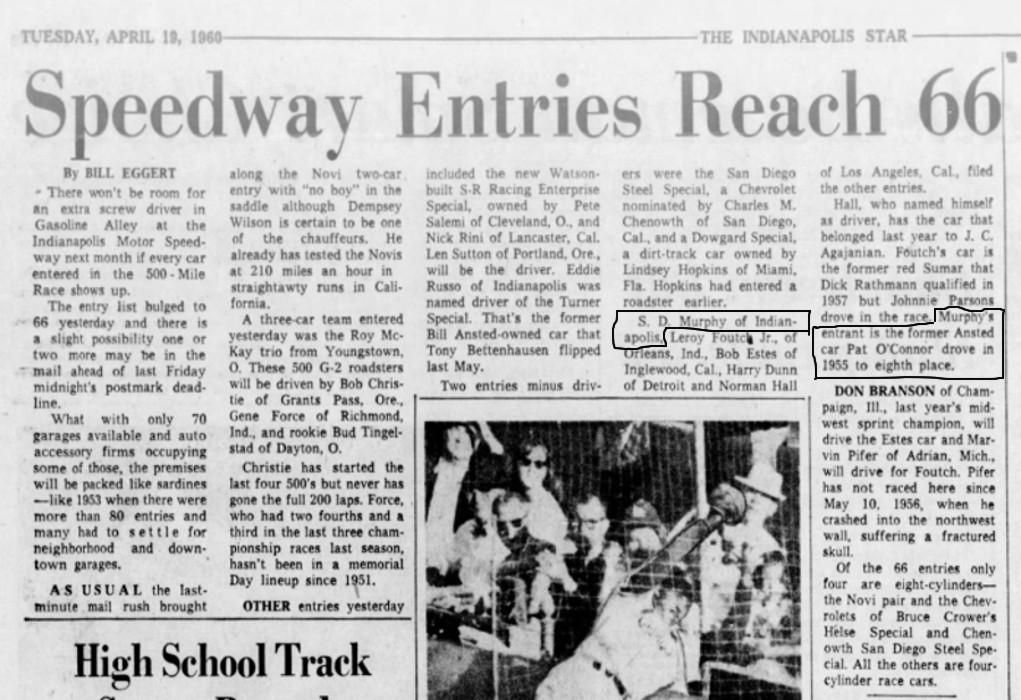
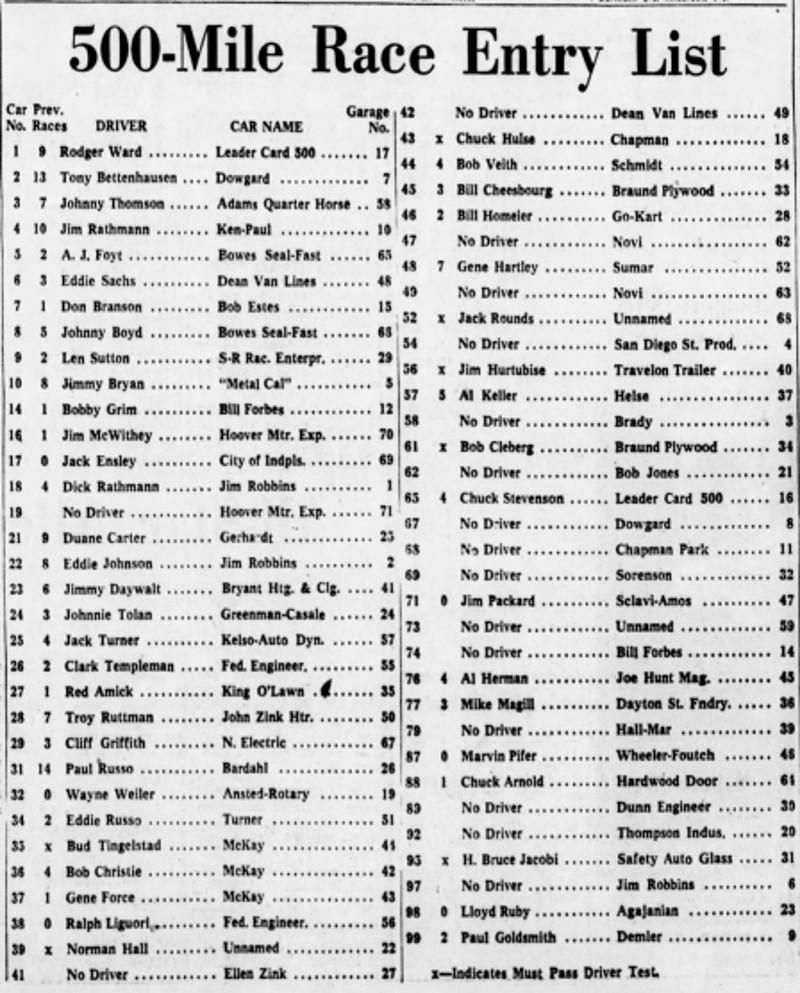
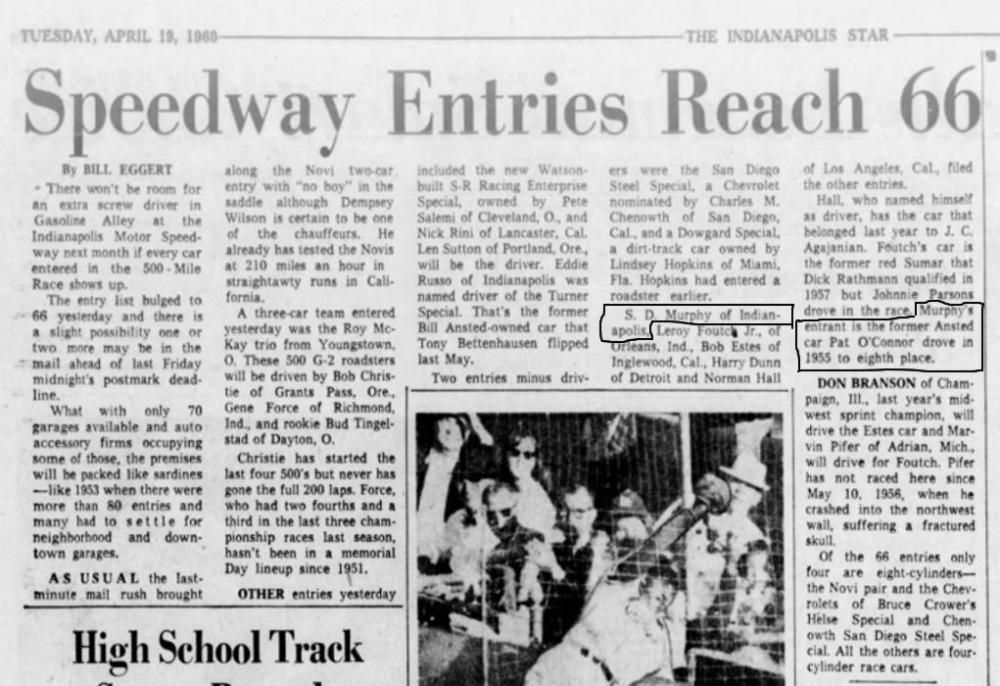
Questo non è certamente un errore. Originariamente, c'erano due separato iscrizioni. Ognuno di loro, dovere ha registrato il suo auto. Aprile 11, 1960 - City of Indianapolis Special, #17, Kuzma 59 Aprile 18, 1960 - Thopson Industries Special, #92, Kurtis Kraft 500D 55 Solo più tardi le squadre si unirono. (Maggio 14 o 15, 1960)
-
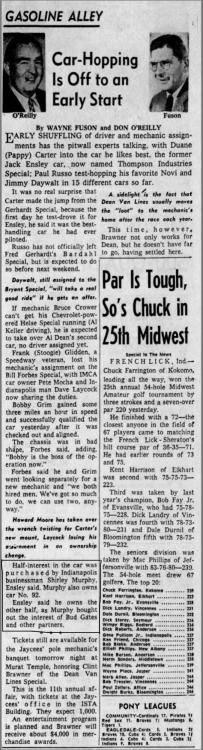
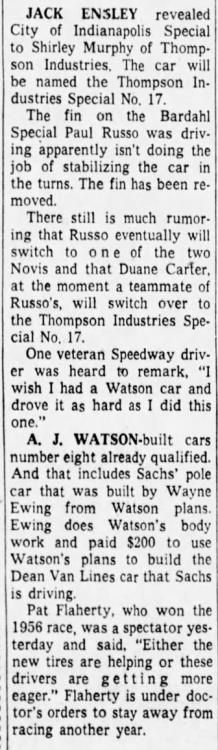
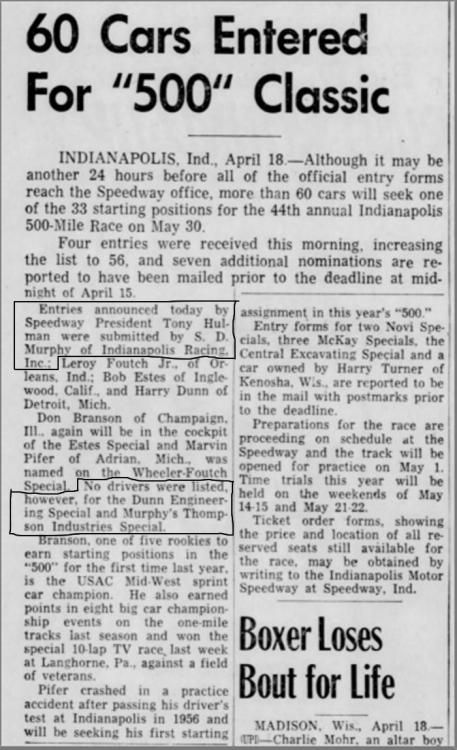
Murphy entered his car (92), entry April 18 , car named Thompson Industries Special until May 14 or 15, Ensley sold half interest to Murphy, car 17 new named - Thompson Industries Special

-
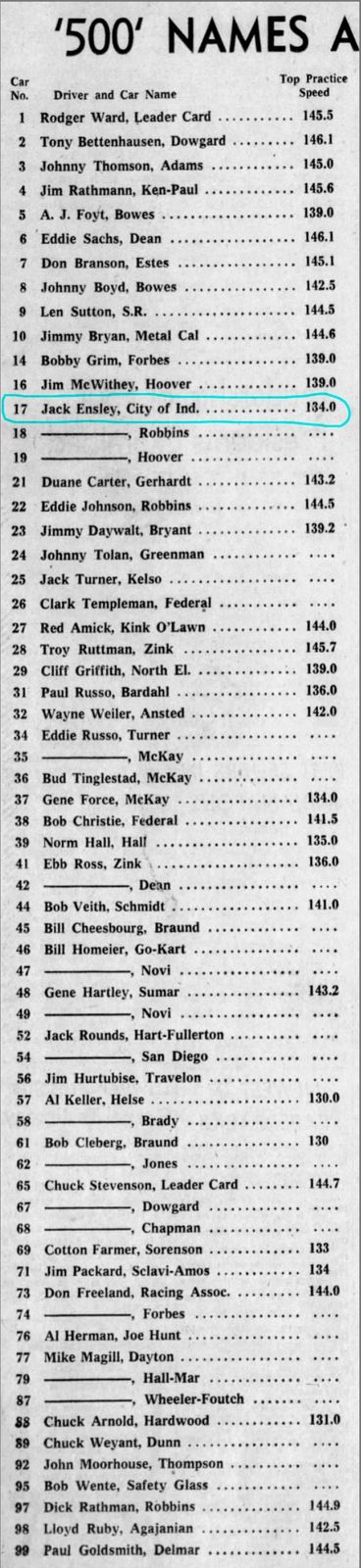
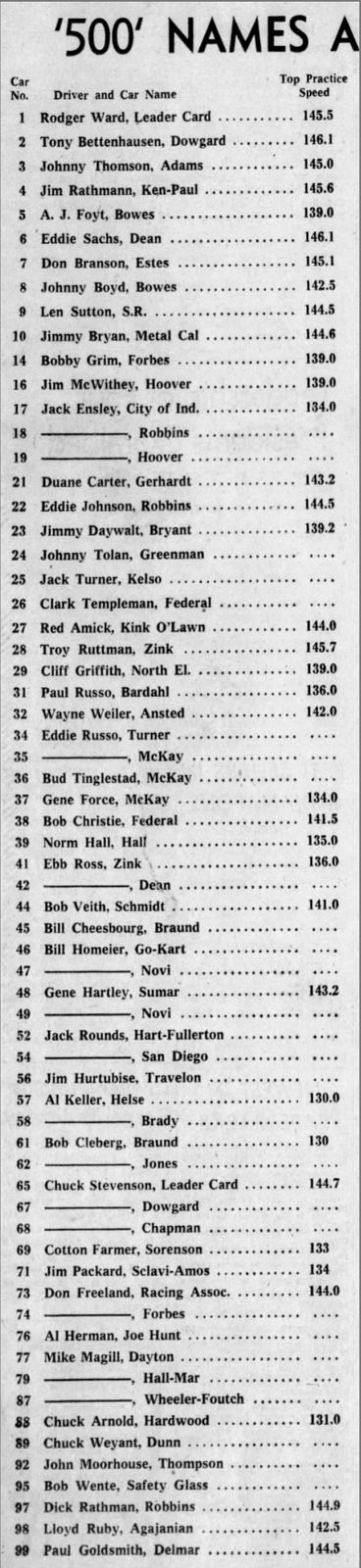
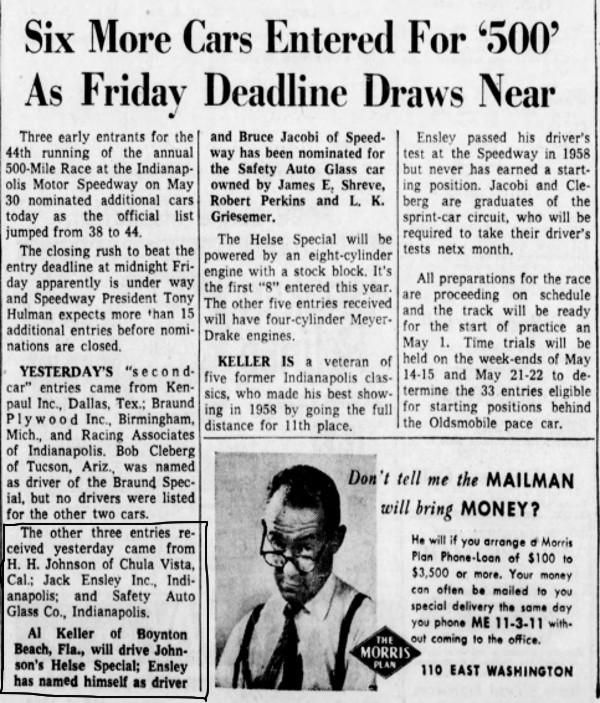
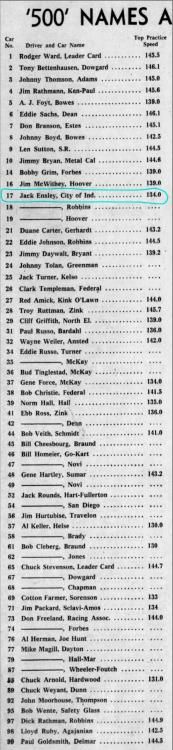
Ensley entered his car (17), also driving it, entry April 11, 1960, car named City of Indianapolis Special
-
Not only "The Indianapoli Star", but also others.
-
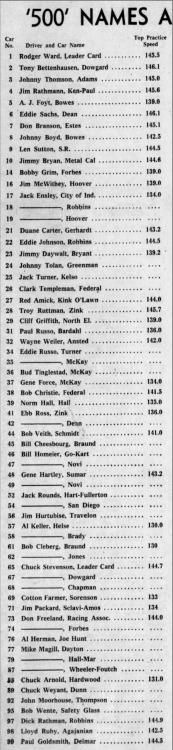
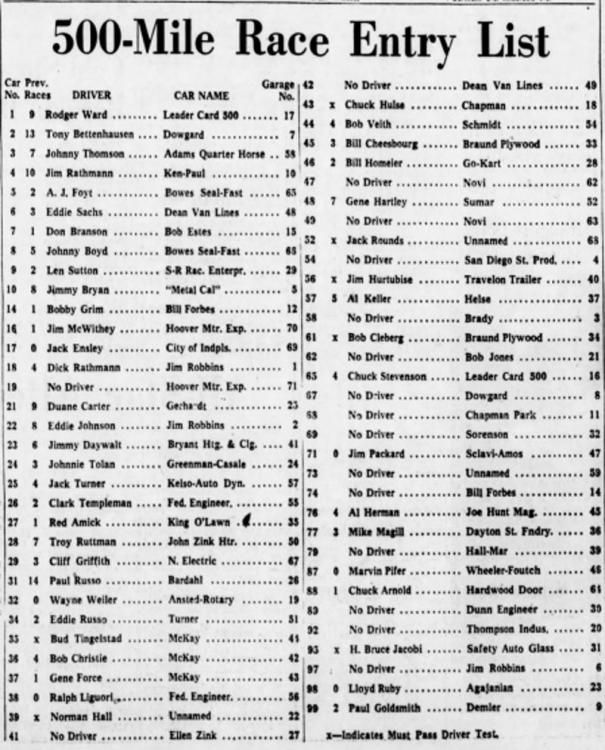
Moorhouse on entry list, May 14, 1960
-
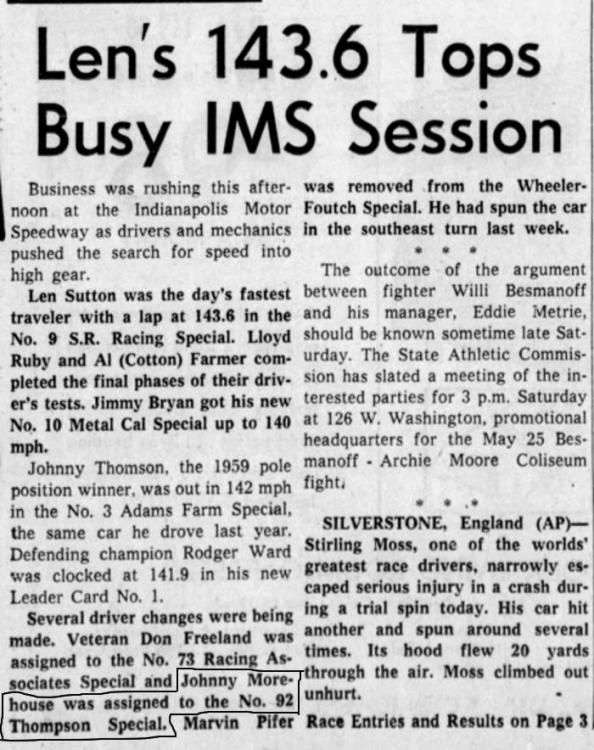
Moorhouse assigned to the No. 92, May 12, 1960
-
Entries Shirley D. Murphy
-
informazioni supplementari - per "adler", queste due squadre non sono la lista, (Mi scuso, non sapere parlare italiano)
-
500 miles Indianapolis 1960 team : Charles Chenowth (owner), San Diego, California, entrant: San Diego Steel Products Special, #54, driver: no driver, car: Chenowth - Chevrolet, start: arrive, did not practice team: Indianapolis Racing Corp, owner: Shirley D. Murphy, Indianapolis, Indiana, entrant: Thompson Industries Special, #92, driver: Johnny Moorhouse, car: Kurtis Kraft 500D - Offenhauser, start: ?practice?